Mind maps
Find the shape
of an idea.
Start with one topic and let it branch. A mind map helps you collect thoughts, discover themes, and make a broad subject easier to explore.
When is this useful?
Use a mind map when brainstorming, preparing a presentation, planning a project, or organising research. Begin with a central question, then group related thoughts into branches.
Read the example
One product launch. Three areas to explore.
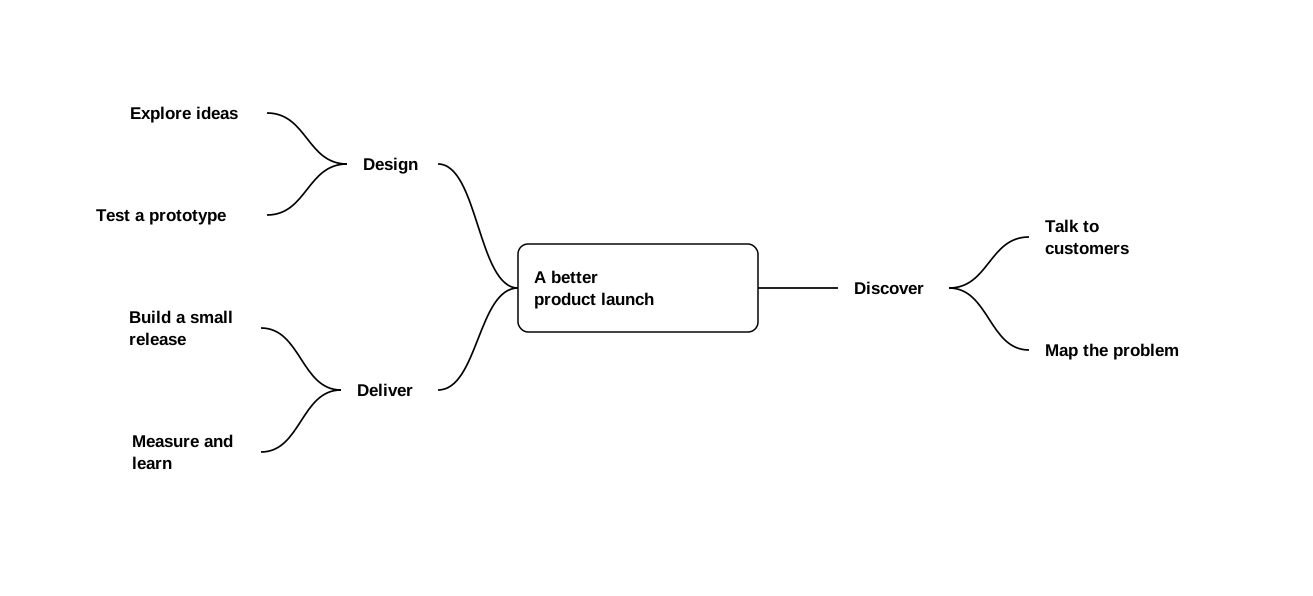
- 1Central topic
- A better product launch is the idea everything in this map relates to.
- 2Main branches
- Discover, Design, and Deliver give the subject a few useful areas of focus.
- 3Subtopics
- Talk to customers belongs under Discover. Each connecting line links a parent idea to a more specific thought.
Follow your curiosity
There is room for your next thought.
Open the example, select a topic, and add a child topic. To move Discover and its children under Design, drag Discover onto Design and drop when the dashed connection appears. You can also use Move branch… from the topic menu. Drop on open canvas to move a branch without changing its parent. Undo restores the previous arrangement. Use Core idea alignment to place the main idea on the left, in the center, or on the right, with branches flowing outward. Keep expanding as your thinking develops.
Try the current editor
From mind map to launch briefing
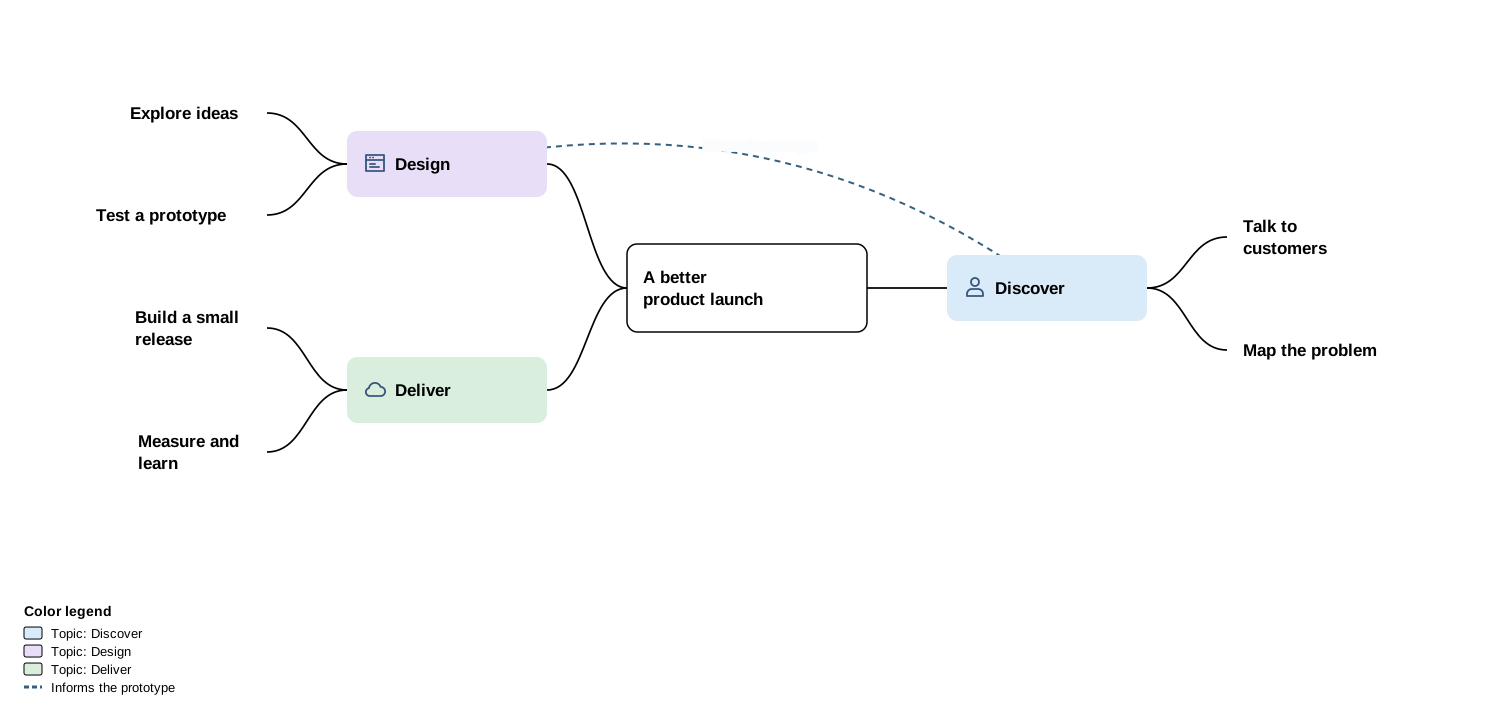
Right-click a topic and choose Edit contents…, then Appearance to try a background color. Choose Cross-links… to review the link. Open View → Document Views… to see how the same map fits into the Launch briefing.
Open the styled launch map ↗Choose a format for sharing
Open File → Export → Share mind map… to choose a format.
- Editable document (JSON) keeps all diagrams together for reopening in Project Studio.
- Topic outline (OPML) transfers topic titles and hierarchy to another app that supports OPML.
- Shareable PDF presents the current map for reading or printing, with website links and links to included sections.